






Table of Contents
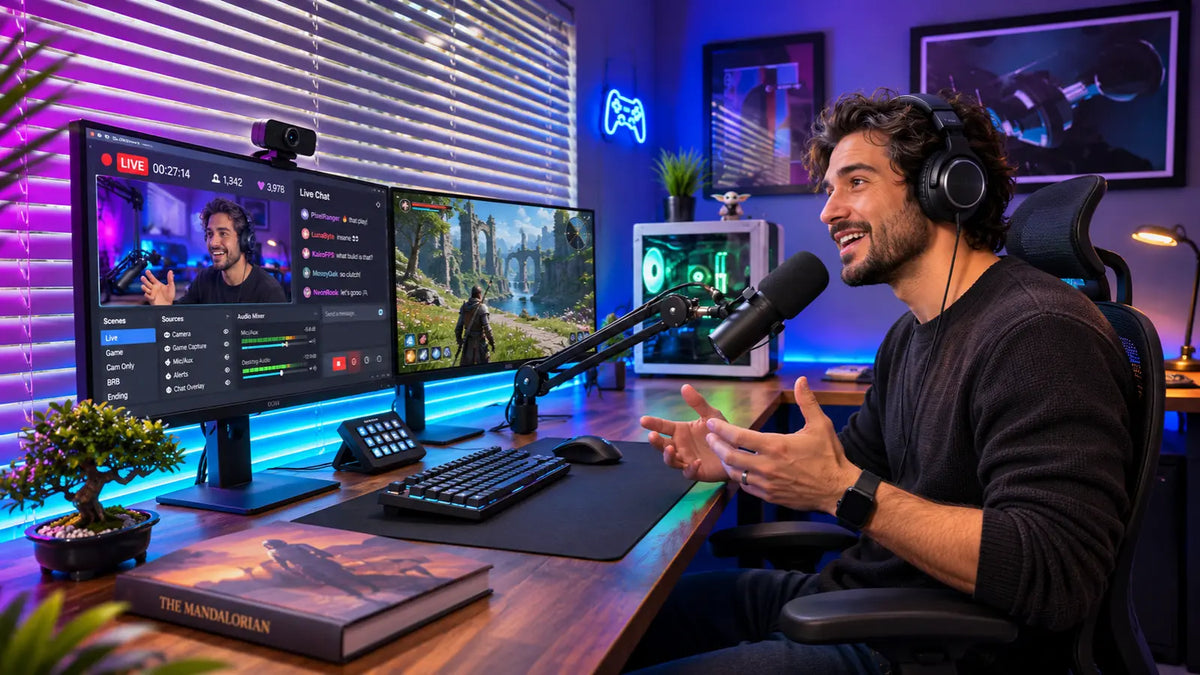
A good streaming setup involves more than pressing the “Go Live” button. The camera, microphone, lighting, and space around you all contribute to the quality of your broadcast, so choosing the right equipment matters.
Whether you're streaming on Twitch, YouTube, or TikTok LIVE, your setup should support the kind of content you want to create.
This guide walks you through the equipment, platform options, and practical adjustments that help you build a setup around your content and budget.
What You Need to Start Streaming
You don't necessarily need a professional studio to get started. You can begin with the following essentials.
1. Computer or Streaming Device
Your computer runs the streaming software, processes the video, and handles other applications during a broadcast. For a Twitch streaming setup or YouTube stream, choose a computer with enough processing power and RAM.
TikTok LIVE creators can also stream directly from smartphones, depending on account access and available features.
Budget Tip: If a dedicated streaming computer is above your budget, your existing laptop might do the job. Check that it meets your streaming software’s requirements.

2. Streaming Software
Streaming software helps you manage your broadcast, connect your camera and microphone, and control what appears on screen. This is different from a streaming platform, which is where viewers watch and interact with your content.
Budget Tip: There are a few free software options you can start with to see which one feels easiest to use. Some options include OBS Studio, which offers plenty of customization, and Streamlabs, which has beginner-friendly features and built-in overlays.
3. Camera
Your camera choice depends on how you plan to stream. If you're broadcasting from a computer, a webcam works well. For mobile streams, your smartphone's built-in camera is often all you need. If you want more control over focus and exposure, a DSLR or mirrorless camera offers greater flexibility.
Budget Tip: There's no pressure to buy an expensive camera when starting out. A smartphone combined with a sturdy tripod can deliver good video quality with proper lighting and a clean setup.
4. Microphone
A USB microphone connects directly to your computer, making it suitable for beginners. XLR microphones, though, offer more flexibility but require additional equipment, like an audio interface.
For noisy environments, a directional microphone helps focus on your voice while reducing unwanted sounds.
Budget Tip: If you’re on a budget, consider investing in a reliable microphone before upgrading your camera. Good visuals might attract viewers, but poor audio can make them leave.
Choosing the Right Streaming Platform
Streaming platforms differ in the type of content they support and the audiences they attract. Here are some of the most popular platforms today.
1. Twitch
Twitch is popular for gaming, esports, and interactive broadcasts. Its chat features support real-time conversations and community building. A Twitch streaming setup typically includes streaming software, a camera, and a microphone.
2. YouTube
YouTube supports live broadcasts and prerecorded videos. This suits creators who want to stream while building a library viewers can watch later. It also offers live chat and audience engagement features.
3. TikTok LIVE
TikTok LIVE focuses on real-time interaction and mobile-friendly content. Creators use it for product demonstrations, conversations, and entertainment. Its vertical video format suits mobile viewing, making it easy for viewers to watch and interact on their phones.
Setting Up Your Streaming Space
Your streaming space affects the overall quality of your broadcast. Here’s how to set it up.
1. Get Your Lighting Right
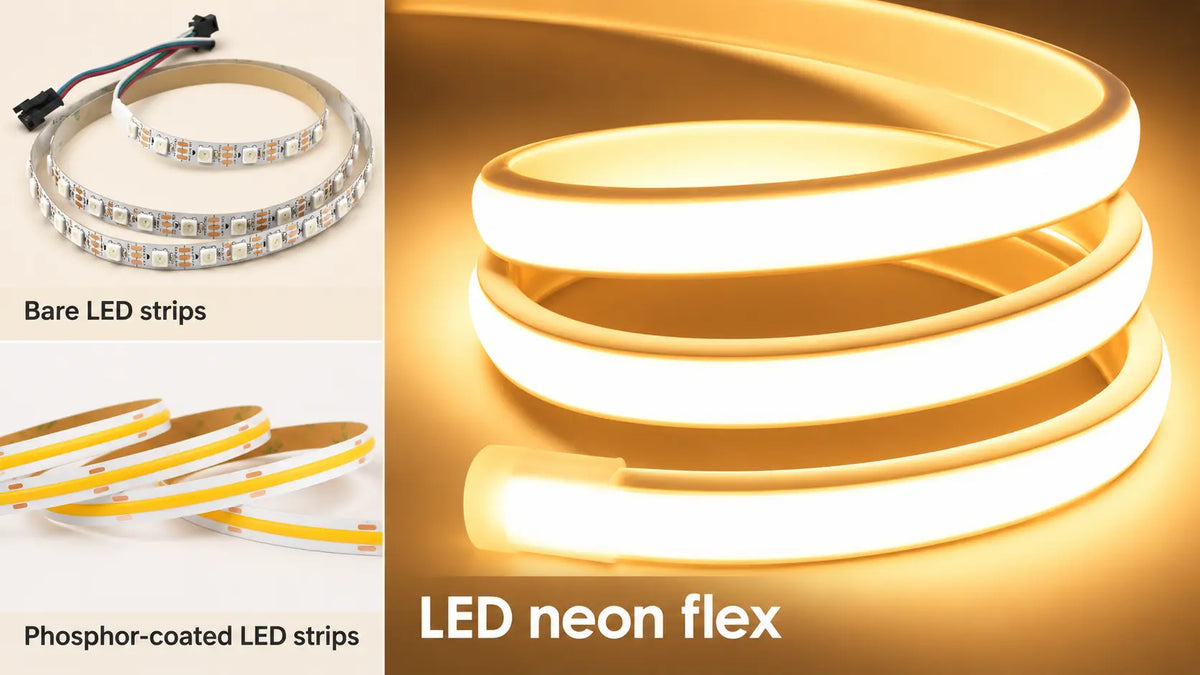
Good lighting makes your face clearer on camera and gives your stream a polished look. Position a ring light or softbox in front of you to reduce harsh shadows. LED strips can also add color and ambient lighting to your background.
To create a TikTok live neon room setup, consider Lamomo RGB LED Strip Lights (8mm × 16mm), which offer 16 million colors. They also include static, scene, music, and timer modes. Install them behind your desk or along shelves for a colorful background.
For a subtler look, the Lamomo White 24V COB LED Strip Light Set provides smooth, dot-free illumination. It works well along shelves, desk edges, and ceiling details.

2. Create a Clean Background
Your background doesn’t need expensive furniture or elaborate decorations. A tidy desk, a simple shelf, and a few personal items can make the space look organized.
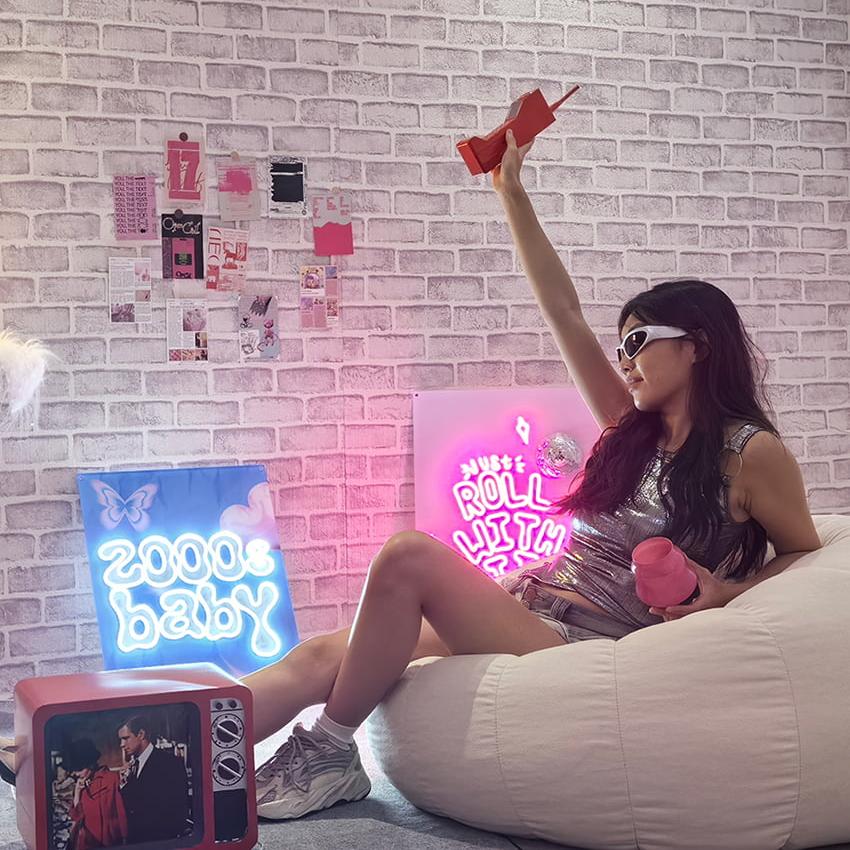
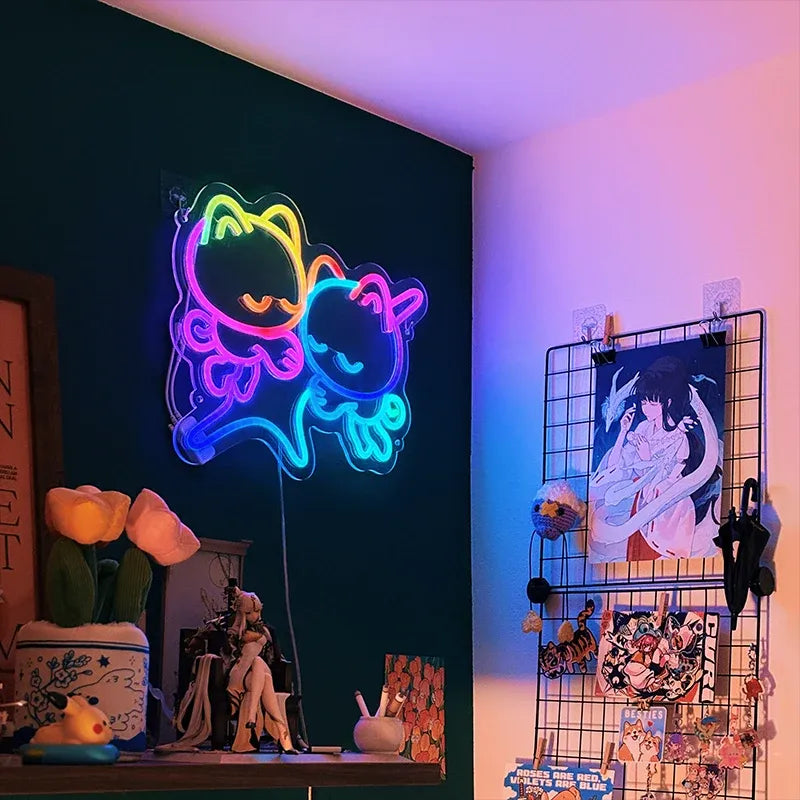
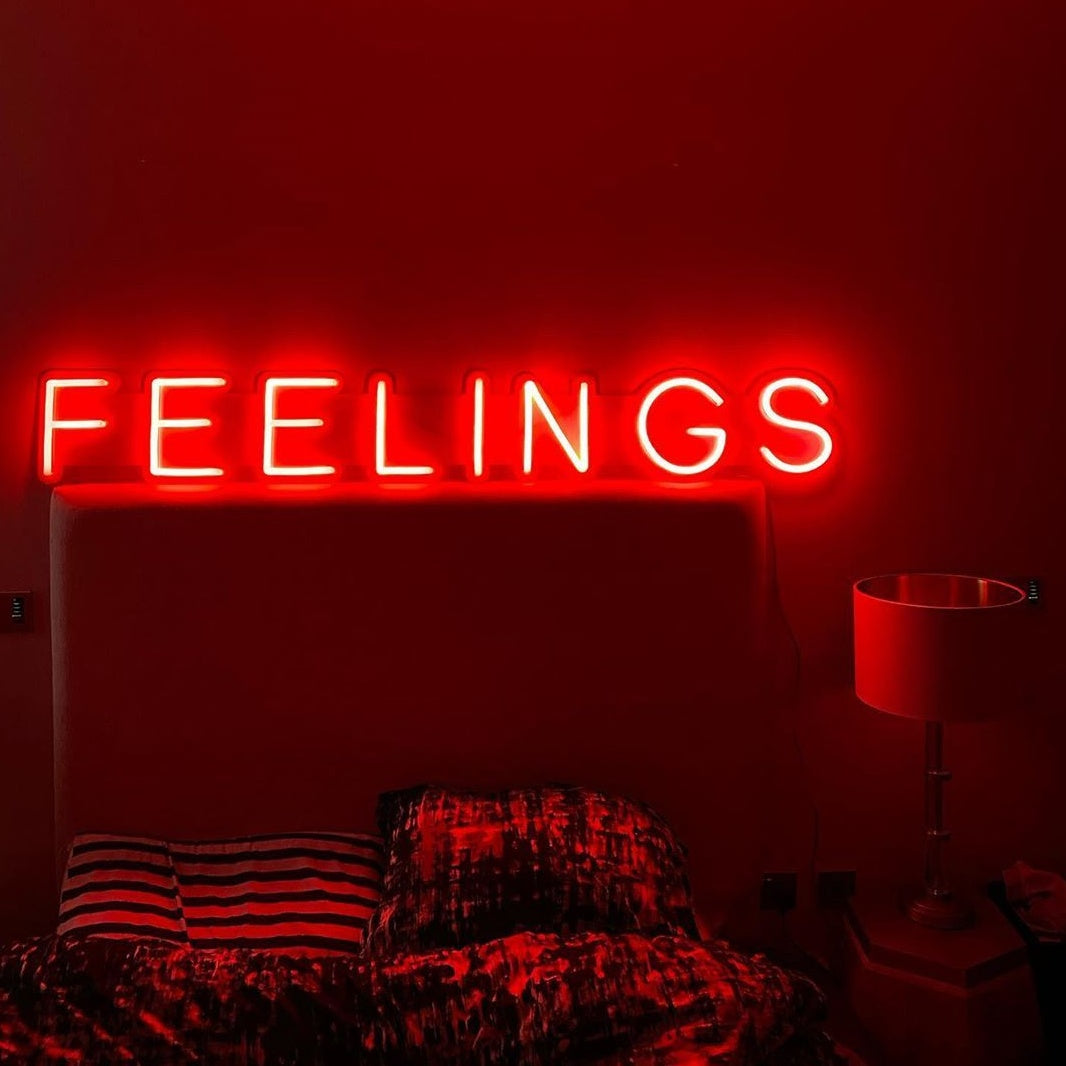
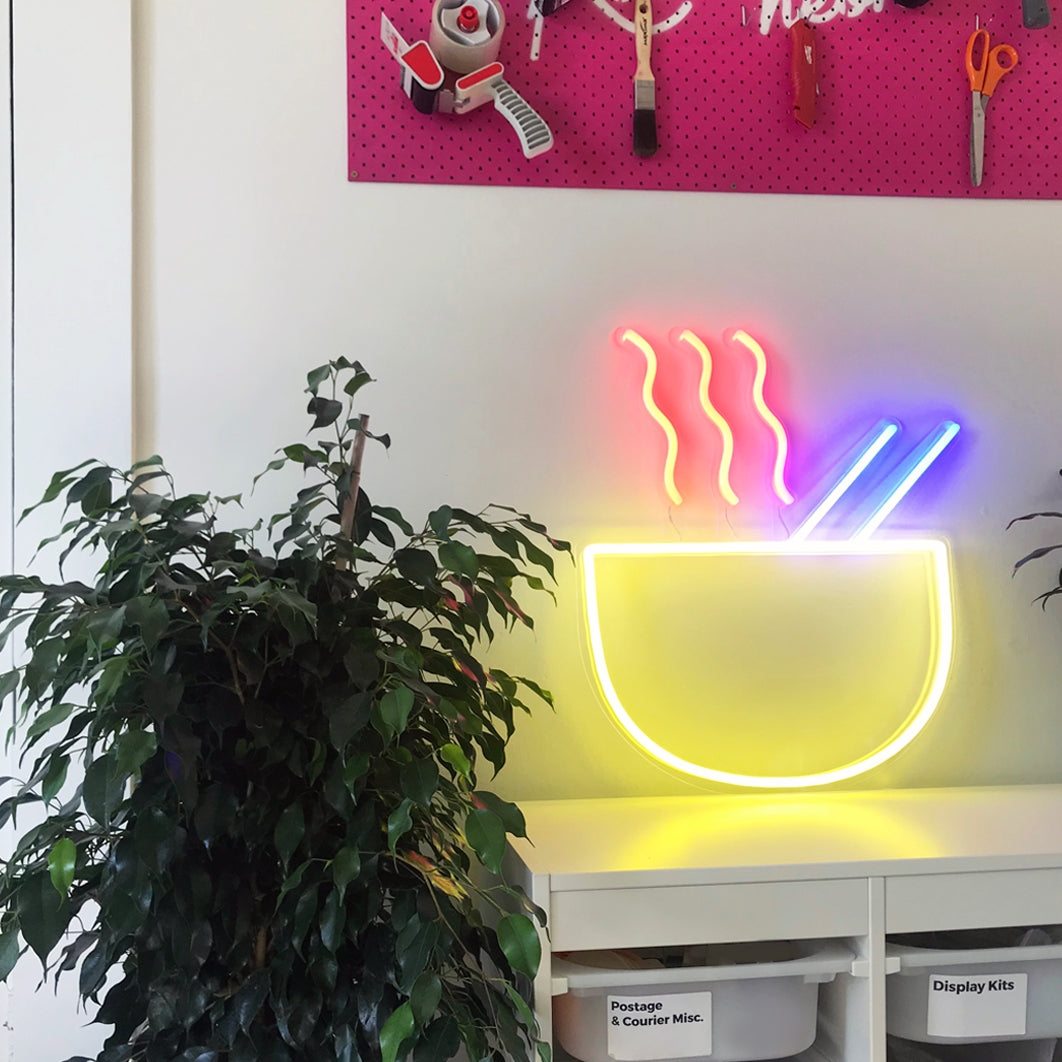
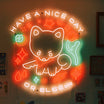
For a personalized touch, consider a Lamomo custom LED neon sign featuring your channel name or logo. It gives viewers a distinctive feature to associate with your channel.
3. Set Up Your Audio
Microphone placement and room conditions both affect sound quality. Position your microphone close enough to capture your voice clearly. You can also include a microphone arm to keep it stable and a pop filter to reduce popping sounds when you speak.
Headphones are also important because they help you monitor your audio while streaming. If your room produces noticeable echoes, acoustic panels, curtains, and rugs can absorb sound reflections. A good live room setup accounts for both audio equipment and room acoustics.
FAQs
1. How fast should your internet be for live streaming?
As a practical target, aim for around 10 Mbps upload for 720p and 20 Mbps for 1080p. These aren’t fixed requirements. Your platform, frame rate, and encoder settings play a role in this.
2. Do you need a capture card to start streaming?
No. You only need one when connecting an external device, such as a gaming console, to your streaming computer.
3. How much does a streaming setup cost?
Costs depend on your equipment and quality preferences. Using existing devices keeps costs low, while dedicated cameras and audio equipment require a larger budget.
4. Which streaming platform is best for beginners?
YouTube and TikTok LIVE are beginner-friendly options, depending on your content and preferred streaming style.
Conclusion
A good streaming setup starts with equipment that suits your content and budget. Build on what you own and upgrade as your needs change.
Ready to give your streaming space a personal touch? Shop Lamomo’s LED lights and neon signs for a background that reflects your style.