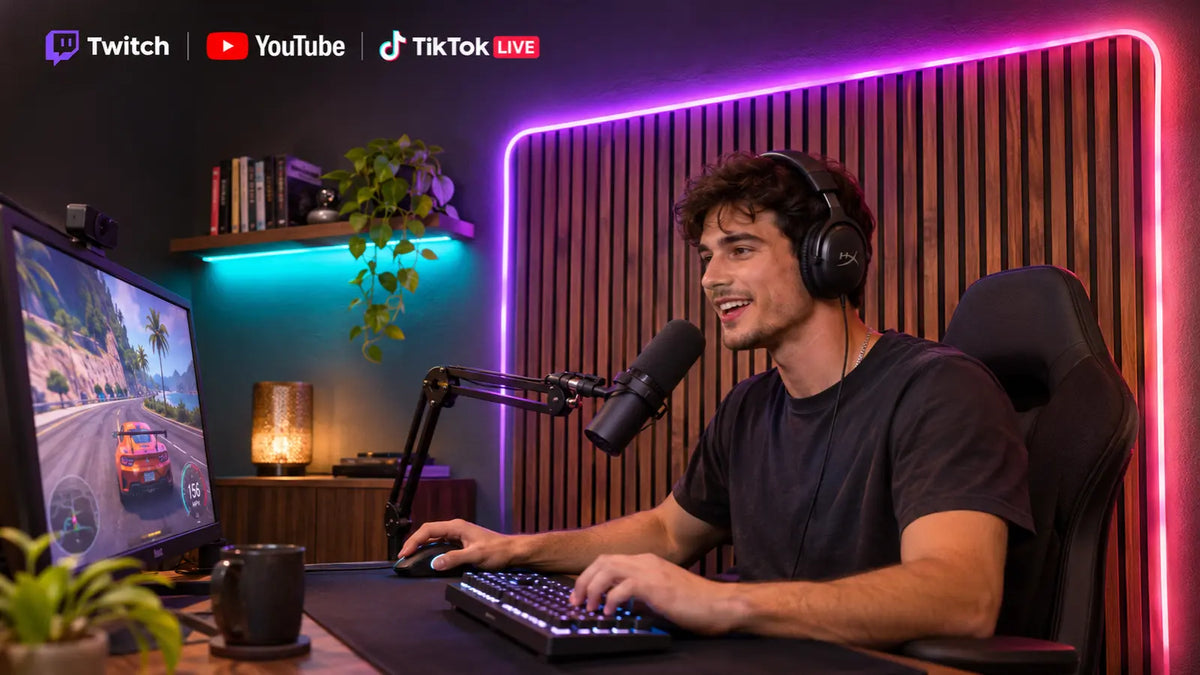









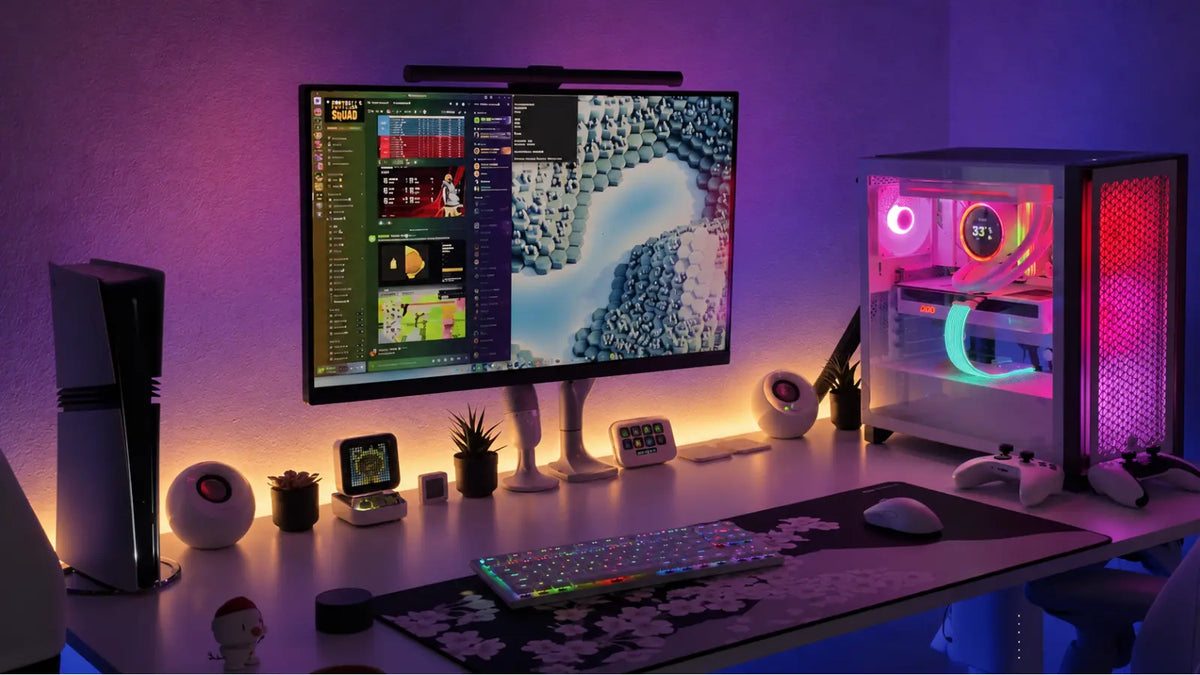
Doesn’t this desk look cozy after dark? The wall behind the monitor is softly lit, and the glow catches the edges of the computer gear and the little keepsakes on the desk. But can you spot the strip? It’s tucked behind the desktop, facing the wall. From your chair, you see the soft reflection without any light shining straight into your eyes.
Where to Place LED Strip Lights Behind a Desktop
For a soft glow behind your monitor, mount the LED strip along the back edge of your desk with the LED lights facing the wall. If your desk sits in a corner, you can continue along the side edge facing the second wall. Stop short of any edge that faces into the room if you want the strip to stay out of sight.
What if you mount it underneath the desk instead? With the light aimed down, you’ll get a pool of light on the floor around your chair rather than a glow behind the monitor. The difference is worth seeing for yourself before you stick anything down.

(image from Reddit r/battlestations )
For the setups below, we sent creators our Lamomo 24V COB LED strip light kits. The adhesive backing lets you mount the strip directly to a smooth desk edge. Choose your shade of white when you order:
- 3000K Warm White gives a wood desk a cozy, golden glow.
- 4000K Natural White is a neutral choice for a work or craft desk if you prefer less warmth.
- 6000K Cool White has a cool, crisp look that pairs well with a white desk or silver accessories.
Real Gaming Setups With Lamomo LED Strip Lights
Look at the front of each desk and the space underneath before the lights come on. Both areas fade into shadow. Once the strips are on, there’s light all the way around each desk, with no obvious dark patches. What’s different is how the light gets there.
A Soft Glow From the Wall-Facing Edge
In @cloudybytes’ TikTok setup, the strip runs along just one edge: the narrow side of the desktop facing the wall. The wall catches the light and reflects it back around the desk. Notice how even the front looks brighter, although there’s no strip along that edge. From the chair, what you see is the glow on the wall rather than the strip itself.

The creator tested Lamomo’s 5-meter, 24V COB LED strip in warm white.
An All-Around Glow Under the Desktop
In this Instagram setup, the strip follows the entire perimeter of the desktop from underneath. That includes the front edge, right above the chair. Here, the light falls directly into the space below the desk and spreads out on either side. If the area around your feet is the spot you’d most like to brighten, that front stretch of strip is the detail to borrow.

The creator tested Lamomo’s 5-meter, 24V COB LED strip in warm white.
How to Recreate the Look at Your Desk
Try it with tape first. Measure the edge you want to light and start at the end nearest the outlet. Unroll the strip, leave the adhesive liner on, and use a few pieces of painter’s tape to hold it in place.
Switch it on and take a seat. Plug in the included power adapter and check the effect from your usual chair. If the light looks like a thin, bright line, pull the desk a little farther from the wall to let it spread. To compare the two placements, try the underside at the same brightness.
Once it looks right, stick it down. Unplug the adapter, remove the tape, and clean and dry the mounting surface. Peel the liner back a little at a time and press the strip into place. Tuck the cord behind a desk leg, plug the adapter back in, and you’re ready to go.
For an evening at the computer, use the included remote to dim the light until the wall is just bright enough for your liking. Prefer a little movement? The controller also has Fade, Jump, and Flash modes. And if your desk is in your bedroom, set a 10-, 30-, or 60-minute timer so you can leave the glow on for a while without getting back up to turn it off.