









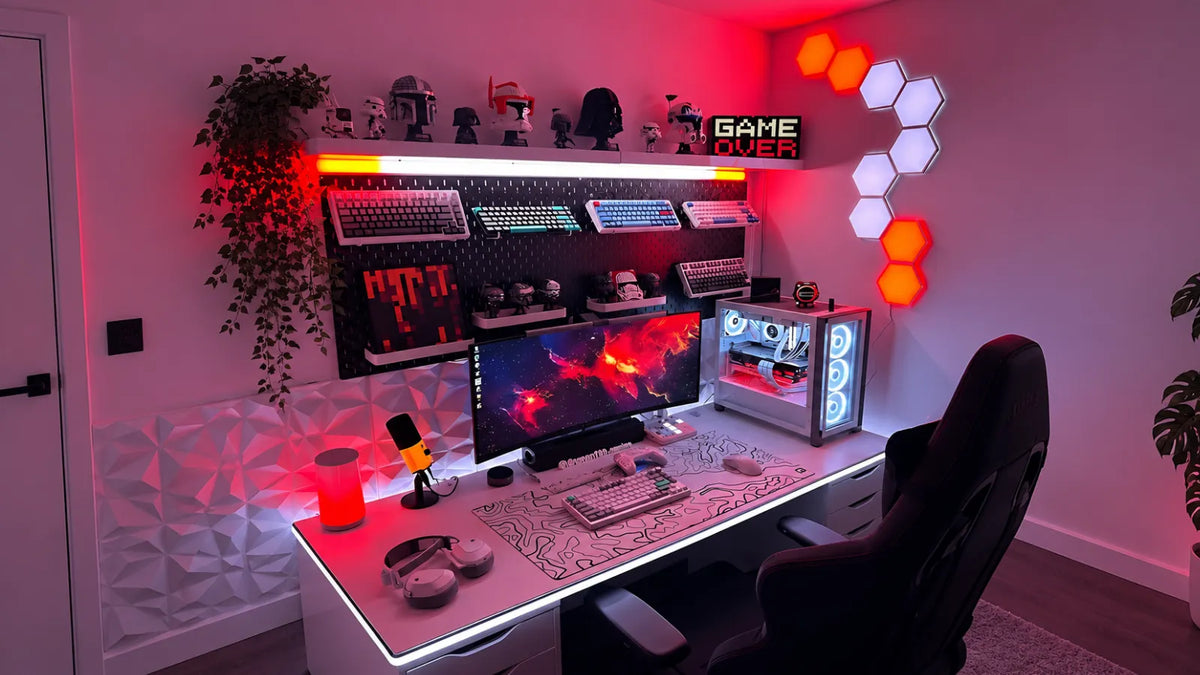
12 Game Room Lighting Ideas
- 1. Backlight Your Monitor
- 2. Add Lighting Behind Your Gaming Desk
- 3. Create an Ambient Lighting Layer
- 4. Build an RGB Color Scheme
- 5. Illuminate Gaming Shelves and Displays
- 6. Add Under-Desk or Floor-Level Lighting
- 7. Extend Lighting Along the Ceiling or Walls
- 8. Light Your PC Tower
- 9. Highlight Gaming Decor
- 10. Add Front Lighting for Streaming
- 11. Divide the Room Into Lighting Zones
- 12. Match the Lighting to Your Gaming Style
You’ve got the gaming room all set up: the latest gear, your favorite games, and the screen as huge as it can be. Everything looks perfect, but it still feels like something is missing.
The truth is, lighting does way more than people give it credit for. Not only does it highlight your setup, it also changes the atmosphere, making the room feel more like yours.
With Lamomo’s lighting options, you can create everything from subtle background lighting to bold RGB effects that match your gaming style.
Here are 12 game room lighting ideas to help you create a setup that feels just as good as it looks.
1. Backlight Your Monitor
The monitor is the focal point of any gaming setup, and adding lighting behind it can make the entire area feel more immersive.
Run the LED strip lights along the monitor’s edges, keeping them out of direct view. This creates a soft glow without bright light in your line of sight.
To try this idea:
- Measure the back of your monitor to determine how much lighting you need.
- Place the LED strip along the outer edges, keeping it hidden from direct view.
- Position the strip lights to reflect off the wall rather than shine toward the screen.
- For a larger glow, add RGB wall panels behind the monitor
2. Add Lighting Behind Your Gaming Desk
Your gaming desk can benefit from extra lighting. If it sits against a wall, a strip behind it adds depth without taking up space.
Lamomo’s dimmable LED strip lights let you adjust the brightness from a soft background glow to brighter lighting.
Try these ideas:
- Run the strip along the back edge of the desk, directing the light toward the wall.
- Focus on the areas that’ll be most visible rather than covering the entire desk.
- Leave enough room around corners and keep the power connection accessible.
- Coordinate the strip’s color with your other gaming room lights.

3. Create an Ambient Lighting Layer
Your screen might be the brightest part of your gaming setup, but it doesn’t have to be the only light source. Adding low-level lighting can fill dark areas and make the setup easier on the eyes.
Try these ideas:
- Place Lamomo’s RGB gaming LED lights behind furniture, along shelves, or around the room’s edges.
- Aim the strips toward walls or other surfaces so the light reflects into the room.
- Focus on darker areas that remain unlit once your monitor or TV is switched on.
- Position floor lamps in darker corners to add softer ambient color.
4. Build an RGB Color Scheme
Instead of choosing a color for each light separately, decide how your colors will work together across the whole setup.
Start with one main color for larger areas, then use a second shade for smaller details. Lamomo’s RGB LED strip lights offer 16 million colors, giving you plenty of shades to choose from.
Try these ideas:
- Use your main color behind the monitor and along the desk.
- Repeat that color on larger wall or ceiling sections.
- Use your accent color around shelves, displays, or smaller decorative areas.
- Match your palette to existing colors in your gaming chair, PC setup, wall art, or room decor.

5. Illuminate Gaming Shelves and Displays
Gaming shelves tend to disappear into the background when the room is dim. Fortunately, targeted lighting can draw attention to displays without making the entire shelf glow.
Try these ideas:
- Place a COB LED strip light along the underside of each shelf to light the items below it.
- For individual collectibles, position small puck lights above them instead.
- Keep the COB strip lights toward the back of the shelf so it’s not distracting.
- Use brighter lighting for larger displays and lower brightness for smaller shelves.
6. Add Under-Desk or Floor-Level Lighting
The space underneath your desk often looks darker than the rest of the setup. Floor-level lighting fills that gap without adding another light source at eye level.
Try these ideas:
- Run some LED strip lights underneath the back edge of your desk, facing the floor.
- For floor-level lighting, try a low-profile light bar beside or behind your desk for a softer glow.
- Keep the floor lighting at a lower brightness than your desk lighting so it stays subtle.
- Leave enough space around cables and power connections to keep everything accessible.
7. Extend Lighting Along the Ceiling or Walls
Once the main gaming area is lit, you can carry the lighting into the rest of the room. A strip along a ceiling edge or wall connects the setup to its surroundings.
Try these ideas:
- Run neon rope lights along the upper edge where the wall meets the ceiling.
- For a lower installation, place it behind a wall-mounted shelf or along a baseboard.
- Keep the strip hidden from direct view so you see reflected light instead.
- Leave corners slightly loose so the strip doesn’t bend sharply.
8. Light Your PC Tower
For those with a PC tower, this is another spot where you can add a little lighting. A glass panel can also help show off the components inside.
Try these ideas:
- Place a short LED strip along the inside edge of a glass-sided case.
- Position the strip behind the frame so the LEDs aren’t directly visible, and keep away from moving components.
- Alternatively, swap the standard case fan with an RGB fan to light up the inside of your PC tower.
- Match your PC’s lighting to the colors used around your gaming setup.
9. Highlight Gaming Decor
Your lighting can draw attention to the parts of your gaming room you want people to notice. Use it to highlight posters, collectibles, artwork, or other pieces.
Try these ideas:
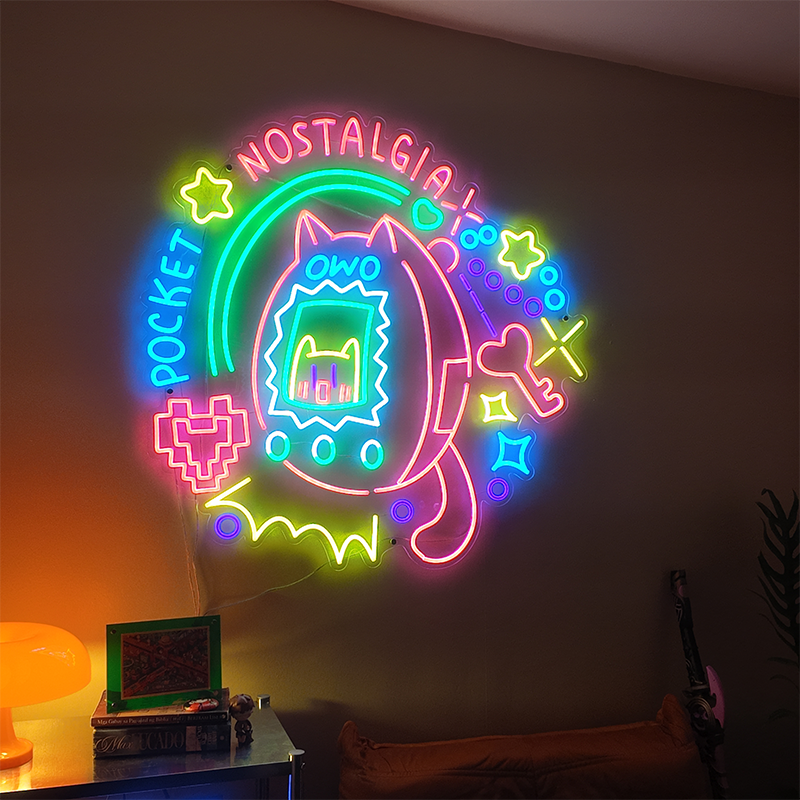
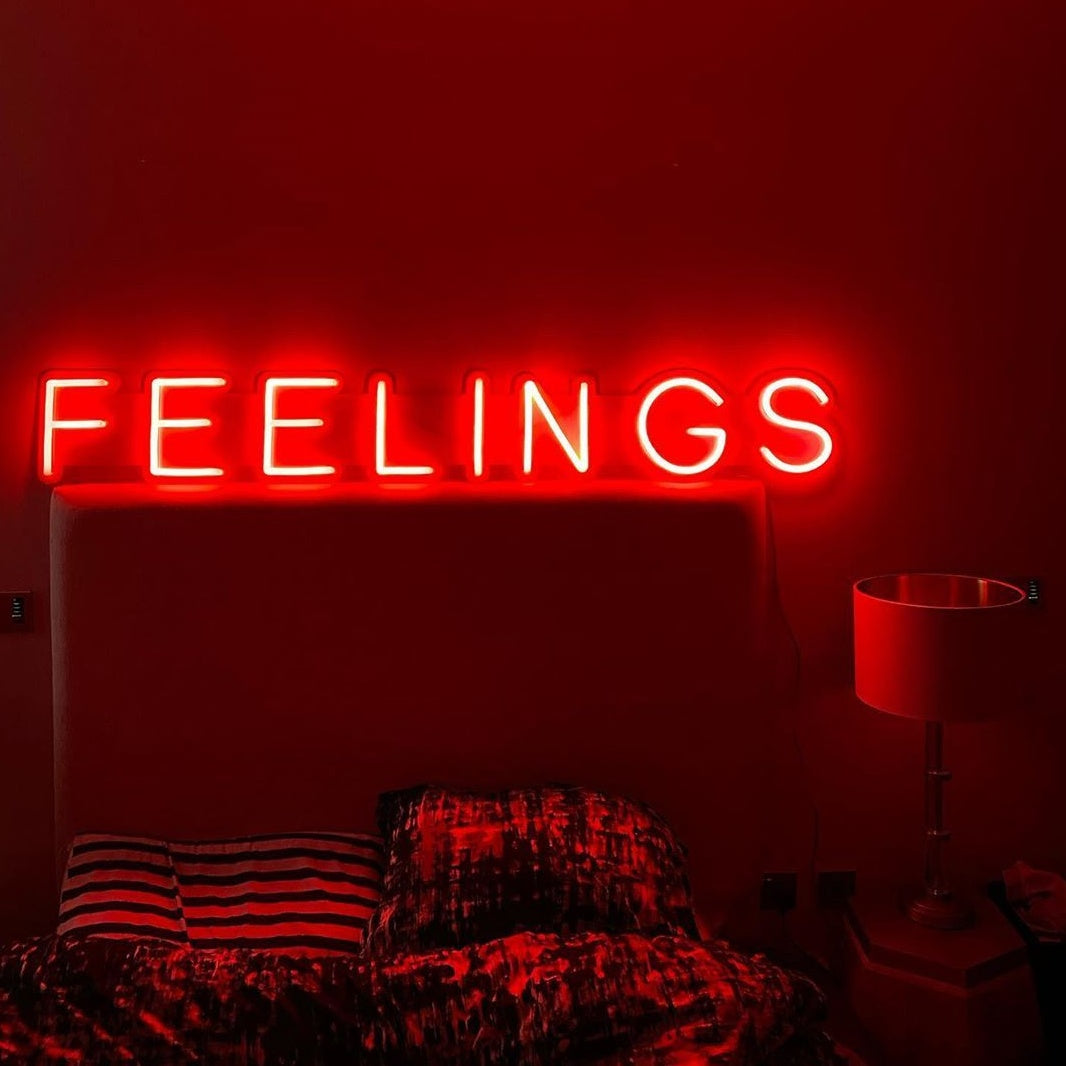
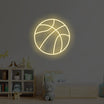
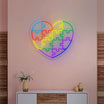
- Place a Lamomo neon sign above your gaming desk or on the wall to make it stand out.
- Use small spotlights to draw attention to specific decor.
- Keep decorative lighting dimmer than your main gaming lights so it doesn’t dominate.
- Position the light where it highlights the item without exposing the LEDs.
10. Add Front Lighting for Streaming
If you stream or record yourself gaming, the lighting in front of you matters as much as the lighting around your setup. Your face should stay visible without washing out your screen.
Try these ideas:
- Place your front light behind the camera, slightly above eye level.
- Angle it toward your face rather than pointing it directly at your eyes.
- Use an LED panel or ring light for softer and more even lighting.
- Keep your background gaming lights dimmer than your front light so you remain the focus.

11. Divide the Room Into Lighting Zones
If your gaming room serves different purposes, you don’t have to light the entire space the same way. Separate zones let you adjust each area based on what you’re doing.
Try these ideas:
- Use single-color LED strip lights where you want consistent lighting without changing colors.
- Use warm white lighting around seating areas where you relax or watch TV.
- Give shelves and displays their own lighting so they can be switched on independently.
- Use separate controls for different areas when possible.
12. Match the Lighting to Your Gaming Style
Your gaming room can also be lit to reflect your personal style. Different types of lighting create different atmospheres, so think about how you want the space to feel.
Try these ideas:
- Use RGB lighting when you want more color and flexibility around your setup.
- Add a Lamomo neon light if you want a statement piece that reflects your gaming style.
- Choose warm white lighting for a softer, more understated look.
- Keep your lighting choices consistent with the colors and decor already in your gaming room.
FAQs
1. Why are my LED strip lights flickering while I’m gaming?
Flickering can happen when the power supply or connections aren’t providing consistent power. Check that the connections are secure and that the strip isn’t connected to an unsuitable power source.
2. Can gaming room lights cause glare on my monitor?
Yes. Lights pointed directly at your screen can create reflections that make it harder to see clearly. Position your gaming room lights so they illuminate walls or surfaces instead of the display.
3. How bright should my gaming lights be at night?
Keep them bright enough to light the surrounding space without competing with your screen. Lower brightness usually works better at night, especially when your monitor is already providing strong light.
4. Why are my LED strip lights not sticking to my gaming desk or wall?
The surface may be dusty, uneven, or unsuitable for the strip’s adhesive. Clean and dry the surface before installation, or use mounting clips when adhesive backing isn’t suitable.
Conclusion
If your gaming room feels like something is missing, lighting might just be the detail that pulls everything together. Start with these gaming room lighting ideas, then build a setup that works for how you actually game.
From RGB LED strip lights and warm white lighting to neon options, Lamomo has a range of lighting to suit different setups and styles.
Explore the collection and find the options that fit your style.